
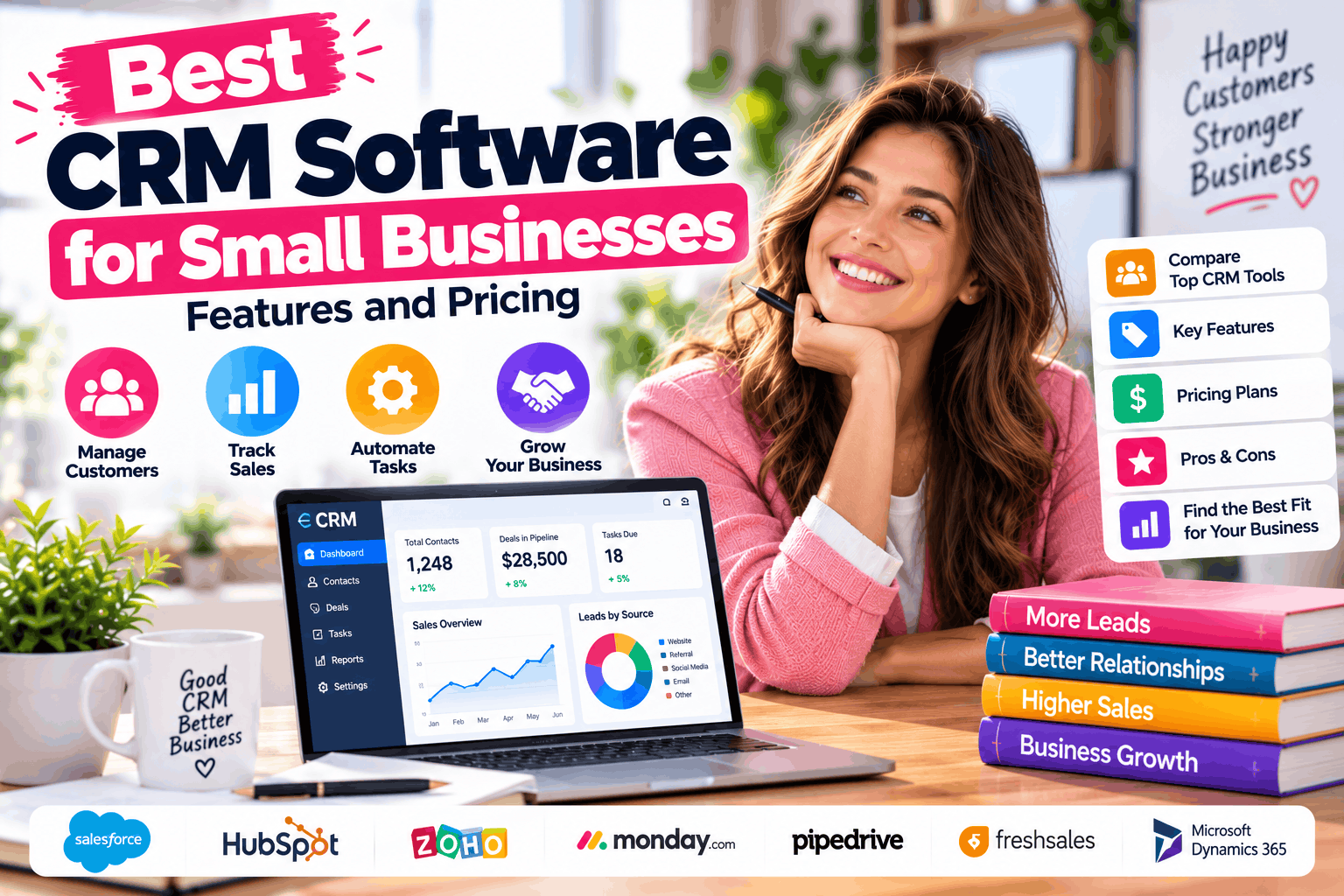
Managing customer relationships becomes more challenging as a small business grows. Customer details may sit in spreadsheets, sales opportunities can get lost in email conversations, and employees may forget to follow up with potential buyers.
Customer relationship management (CRM) software helps solve these problems by organizing customer information, tracking sales opportunities, and managing interactions from one central platform.
The best CRM software for small businesses can help you improve sales processes, build stronger customer relationships, and reduce repetitive administrative work. However, the right choice depends on your budget, team size, business goals, and the features you actually need.
In this guide, we’ll compare popular CRM platforms, explore their key features, review starting prices, and explain how to choose the right solution for your business.
What Is CRM Software?
CRM software is a tool that helps businesses manage relationships with existing customers and potential buyers.
Instead of storing customer information across multiple spreadsheets and applications, a CRM organizes relevant information in one place. Depending on the platform, it may include contact records, sales pipelines, email tracking, task management, reporting, and workflow automation.
For example, a small marketing agency could use a CRM to record inquiries from its website, schedule follow-up calls, track proposals, and monitor which prospects become paying clients.
A CRM can support several business activities, including:
- Managing customer and prospect information.
- Tracking leads and sales opportunities.
- Scheduling calls, meetings, and follow-ups.
- Monitoring sales performance.
- Automating repetitive tasks.
- Coordinating sales and customer service teams.
A well-chosen CRM makes customer information easier to access and helps employees follow a consistent sales process.
Best CRM Software for Small Businesses: Quick Comparison
Several CRM platforms offer tools designed for small and growing businesses. The following options serve different needs, from simple contact management to more advanced sales automation.
| CRM Software | Best For | Free Option | Indicative Starting Price |
|---|---|---|---|
| HubSpot CRM | Small teams combining sales and marketing | Yes | Free CRM; paid Sales Hub plans available |
| Zoho CRM | Budget-conscious businesses needing customization | Yes, limited to 3 users | About $14/user/month |
| Freshsales | Sales teams wanting built-in communication tools | Free option available; check current eligibility | About $9/user/month |
| Pipedrive | Sales-focused teams managing deal pipelines | Free trial | About $14/user/month |
| Salesforce Starter Suite | Businesses planning to expand their sales operations | Free option available for eligible users | About $25/user/month |
Pricing is indicative, generally based on advertised U.S. entry-level pricing and annual billing where applicable. Prices, billing terms, user limits, promotions, and feature availability can change. Confirm the current price and included features on each vendor’s official website before purchasing.
1. HubSpot CRM: Best for Small Teams Getting Started
HubSpot CRM is worth considering if your business wants to organize customer information and manage sales activities without immediately committing to a paid CRM subscription.
Its ecosystem includes sales, marketing, customer service, and other business tools. This can be useful for businesses that want to connect customer acquisition with ongoing relationship management.
Key Features
- Contact and company management.
- Sales pipeline tracking.
- Email integration and tracking features.
- Task and activity management.
- Sales reporting and dashboards.
- Integrations with other business applications.
The available features and limits depend on your subscription.
Pricing
HubSpot offers a free CRM option for up to two users. Paid Sales Hub plans provide additional capabilities, with pricing depending on the plan, billing arrangement, and selected features.
Some advanced features and higher-tier subscriptions can become expensive as your business grows.
Pros
- Useful free starting point for small teams.
- Combines customer management with a broader sales and marketing ecosystem.
- Provides room to add capabilities as business needs change.
Cons
- Advanced automation and reporting may require paid plans.
- Costs can rise as you add users and premium features.
Best for: Startups, small service businesses, and companies that want to connect sales activities with marketing.
2. Zoho CRM: Best for Budget-Conscious Businesses
Zoho CRM offers customer management, sales tracking, and automation features across multiple subscription levels. It may suit small businesses that want more control over their sales processes without immediately adopting a higher-priced enterprise platform.
The platform also connects with other Zoho business applications, which can be helpful if you already use the company’s accounting, email, or marketing tools.
Key Features
- Lead and contact management.
- Sales pipeline management.
- Workflow automation.
- Custom fields and layouts.
- Sales forecasting and reporting.
- Integration with other business applications.
Feature availability varies by plan, so compare the capabilities of each subscription before making a decision.
Pricing
Zoho CRM offers a free edition for up to three users. Its Standard plan has been listed at approximately $14 per user per month with annual billing, while higher-tier plans cost more.
Monthly billing and local taxes may change the final amount.
Pros
- Free option for a small team.
- Broad range of features across paid plans.
- Customization and integrations can support different business processes.
Cons
- The number of settings and features may take time to learn.
- Some advanced capabilities require higher-tier subscriptions.
Best for: Small businesses looking for an affordable CRM with customization and room to grow.
3. Freshsales: Best for Sales Teams That Communicate Frequently
Freshsales is designed for businesses that want to manage leads and sales opportunities while keeping customer communication organized.
Its sales tools include contact management, deal tracking, and communication features. Depending on the subscription and configuration, teams can also access workflow automation and AI-assisted capabilities.
Key Features
- Contact and account management.
- Visual sales pipelines.
- Email and phone capabilities.
- Custom fields and email templates.
- Sales workflow automation.
- Deal insights and additional sales tools on eligible plans.
Businesses should confirm which communication channels and automation features their selected plan includes.
Pricing
Freshsales offers a free option subject to current eligibility and plan limits. Its Growth plan has been listed at approximately $9 per user per month with annual billing.
Higher plans add capabilities such as contact scoring, sales sequences, and advanced insights.
Pros
- Designed around day-to-day sales activities.
- Communication tools can reduce the need to switch between applications.
- Paid plans offer additional sales management features.
Cons
- Some advanced features require more expensive subscriptions.
- Certain capabilities and AI tools may carry separate costs.
Best for: Small sales teams that handle frequent customer calls, emails, and follow-ups.
4. Pipedrive: Best for Visual Sales Pipeline Management
Pipedrive focuses on helping sales teams track deals from the first conversation through the final sale.
Its visual pipeline makes it easier to see which opportunities are progressing, which deals need attention, and what action a salesperson should take next.
For businesses with a straightforward sales process, this focused approach can be easier to manage than a platform with many unrelated features.
Key Features
- Visual deal pipelines.
- Contact and organization management.
- Sales activity tracking.
- Customizable sales stages.
- Reporting and sales forecasting tools.
- Workflow automation on eligible plans.
The available automation, reporting, and customization features depend on the subscription.
Pricing
Pipedrive does not offer a permanent free plan, but it provides a free trial. Its entry-level Lite plan has been listed at approximately $14 per user per month with annual billing.
Optional add-ons and higher-tier subscriptions may increase the total cost.
Pros
- Clear visual overview of sales opportunities.
- Useful for teams that follow a defined sales process.
- Focuses on deal management rather than trying to cover every business function.
Cons
- No permanent free plan.
- Advanced marketing capabilities and certain features may require additional spending.
Best for: Consultants, sales agencies, B2B service providers, and small businesses that prioritize deal tracking.
5. Salesforce Starter Suite: Best for Businesses Planning to Scale
Salesforce is a well-established CRM platform with a broad ecosystem of sales, service, marketing, and business applications.
Its Starter Suite is designed to give smaller businesses access to core CRM capabilities without requiring them to begin with a more complex enterprise implementation.
Businesses expecting to expand their sales operations may value the ability to consider additional Salesforce products as their requirements become more advanced.
Key Features
- Lead, contact, account, and opportunity management.
- Sales activity tracking.
- Lead routing and sales workflows.
- Email integration.
- Reporting and dashboards.
- Connected sales, service, and marketing capabilities.
The exact features available depend on the Salesforce edition and any additional products or services purchased.
Pricing
Salesforce lists Starter Suite at approximately $25 per user per month. Eligible users can also explore its Free Suite offering, which has usage and feature limitations.
More advanced subscriptions can cost substantially more, so evaluate the capabilities you need before committing.
Pros
- Broad ecosystem of business applications.
- Useful foundation for businesses with expanding sales requirements.
- Offers capabilities for connecting sales, marketing, and customer service.
Cons
- Advanced functionality can increase costs.
- Businesses with simple requirements may find the platform more complex than necessary.
Best for: Growing small businesses that expect to need more sophisticated sales processes over time.
Essential CRM Features for Small Businesses
Before comparing subscription prices, identify the features your business actually needs.
Contact and Lead Management
A CRM should make it easy to store customer details, record interactions, organize prospects, and view relevant communication history.
This reduces the need to search through spreadsheets and email inboxes whenever someone contacts your business.
Sales Pipeline Tracking
A sales pipeline shows where each opportunity stands in your sales process.
For example, a business might use stages such as New Lead, Contacted, Qualified, Proposal Sent, Negotiation, and Won or Lost.
Clear stages help employees understand which deals need attention and make it easier to measure sales progress.
Task Management and Reminders
Follow-up activities are essential to maintaining customer relationships. Look for features that let your team schedule calls, assign tasks, and set reminders.
These tools can help reduce missed follow-ups and improve consistency.
Workflow Automation
Automation can handle repetitive activities, such as assigning new leads, sending internal notifications, or creating follow-up tasks.
However, automation is not equally important for every business. A two-person company may need only basic reminders, while a larger sales team may benefit from more advanced workflows.
Reporting and Analytics
Reports help business owners monitor sales performance and identify opportunities for improvement.
Useful metrics may include lead conversion rates, deal values, sales cycle length, and the number of opportunities at each stage.
Choose a CRM that makes these reports understandable and relevant to your goals.
Integrations and Data Export
Your CRM should work with the tools your business already uses, such as email, calendars, accounting software, website forms, and customer support systems.
Also, check whether you can export your customer and sales data. Reliable data access makes it easier to maintain business continuity if you change platforms later.
How Much Does CRM Software Cost?
CRM pricing depends on the number of users, the selected plan, billing frequency, and the features your business needs.
Some platforms offer free plans for small teams. Paid entry-level plans commonly start in the range of approximately $9 to $25 per user per month among the options discussed in this guide.
However, the advertised starting price is not always the full cost.
Before choosing a subscription, consider:
- Number of users: Most paid plans charge per user or seat.
- Billing frequency: Annual billing may cost less per month but requires a longer commitment.
- Automation limits: Advanced workflows may require a higher plan.
- Marketing features: Email campaigns and marketing automation may be priced separately.
- AI features: Some AI tools use credits, usage limits, or paid add-ons.
- Implementation: Data migration, customization, and training can require additional time or money.
- Integrations: Third-party applications may have their own subscription fees.
For example, a plan advertised at $14 per user per month would cost $70 per month for five users before taxes and any additional fees, assuming that all five users qualify for that plan and annual-billing terms apply.
Calculate the total subscription cost for your team before making a decision.
How to Choose the Best CRM for Your Business
The best CRM is not necessarily the one with the longest feature list. It is the one your team can use consistently and afford over time.
Follow these steps to make a practical decision.
1. Identify your main problem. Decide whether you need better contact management, sales pipeline visibility, marketing coordination, or customer service tracking.
2. Set a realistic budget. Consider the total cost for every employee who needs access, not just the advertised price for one user.
3. Shortlist two or three platforms. Choose tools that match your business size and essential requirements.
4. Test them with real workflows. Import a small sample of leads, create a sales pipeline, schedule follow-ups, and test the integrations you rely on.
5. Check usability. A feature-rich CRM will not deliver much value if employees find it difficult to use.
6. Review data security and access controls. Check user permissions, authentication options, data handling practices, and export capabilities.
7. Consider future growth. Make sure the platform can support your likely needs without forcing you to pay for advanced features you do not currently use.
Taking time to evaluate these areas can help you avoid switching platforms unnecessarily.
Frequently Asked Questions
What is the best free CRM for a small business?
HubSpot CRM and Zoho CRM are two options worth considering. HubSpot is useful for businesses that want to connect sales and marketing, while Zoho CRM may suit teams that value customization. Their free plans have different user limits and features, so compare the current terms before deciding.
Is CRM software worth it for a small business?
CRM software can be valuable when customer information, sales opportunities, and follow-up tasks are becoming difficult to manage manually. It may help improve organization and visibility, although results depend on how well the business implements and uses the system.
How much should a small business spend on CRM software?
The right budget depends on your team size and requirements. Start with the essential features, compare the total cost of suitable plans, and avoid paying for advanced tools until you have a clear business need for them.
Can I use a CRM without a sales team?
Yes. Consultants, freelancers, marketing agencies, service businesses, and other organizations can use CRM software to manage inquiries, customers, appointments, and ongoing relationships.
How long does it take to implement a CRM?
A simple setup may take only a short time, while a larger implementation involving data migration, custom workflows, integrations, and employee training can take much longer. The timeline depends on the complexity of your existing processes and the amount of data you need to move.
Final Thoughts
The best CRM software for small businesses depends on your goals, budget, and day-to-day workflow.
HubSpot CRM is a useful starting point for teams seeking free customer management tools. Zoho CRM offers a broad feature set for budget-conscious businesses, while Freshsales is worth considering for teams that rely heavily on customer communication. Pipedrive focuses on visual sales pipeline management, and Salesforce Starter Suite may appeal to businesses planning to expand their sales operations.
Before purchasing a subscription, compare the features, test the software, and calculate the full cost for your team. A well-matched CRM can help you organize customer information, maintain consistent follow-ups, and manage sales opportunities more effectively as your business grows.
