
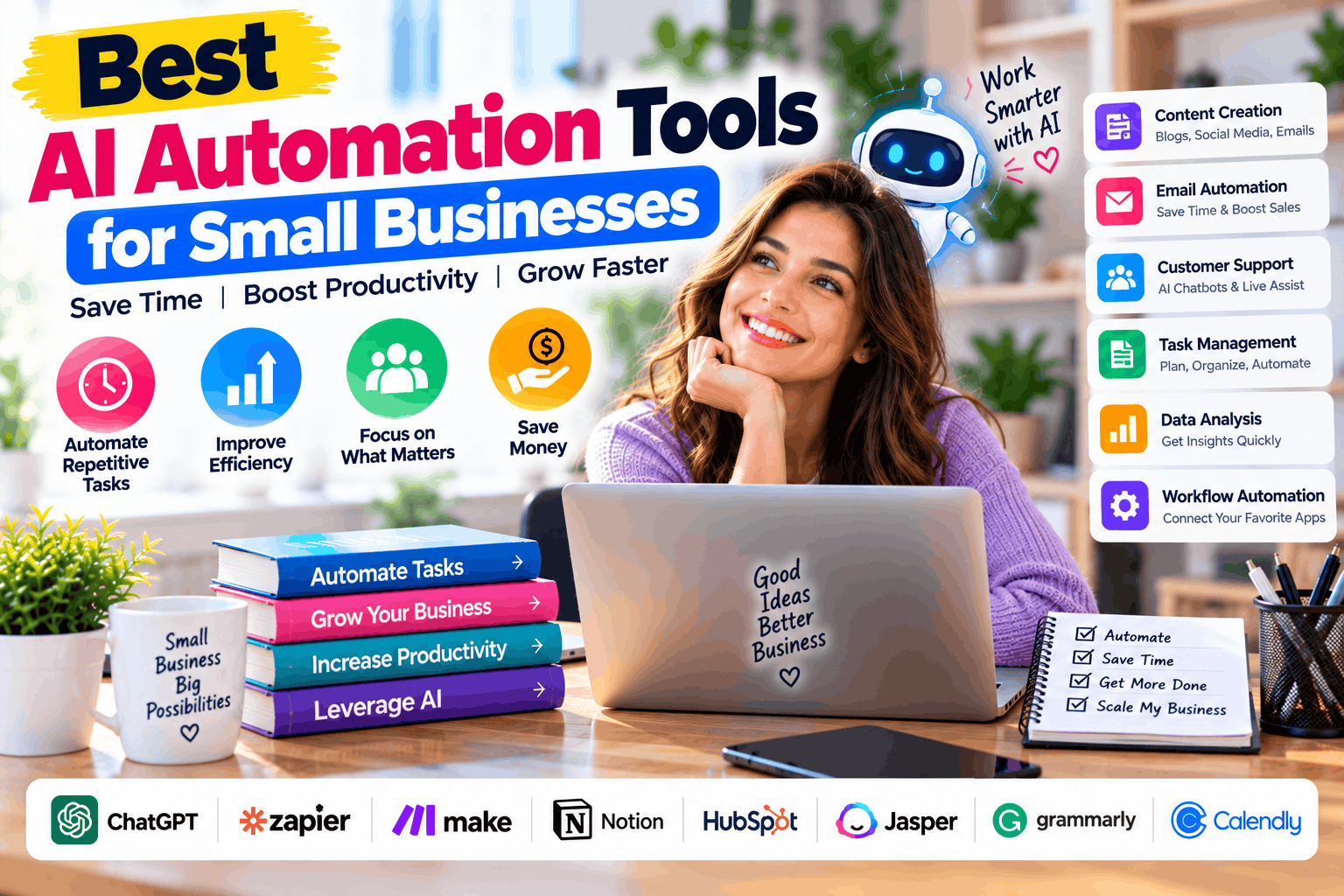
Running a small business involves managing customer inquiries, sending emails, updating spreadsheets, following up with leads, and handling many other repetitive tasks. These activities can consume valuable time that business owners could spend serving customers or growing their companies.
AI automation tools help businesses simplify these processes by connecting applications, processing information, and using artificial intelligence to complete certain tasks with less manual work.
For example, a business can automatically collect leads from a website, summarize customer inquiries, update its CRM, and notify the sales team. With the right workflow, these steps can happen without someone manually transferring information between applications.
The best AI automation tools for small businesses depend on your budget, technical skills, existing software, and the processes you want to automate.
In this guide, we’ll compare popular platforms, explore their features and pricing, and explain how to choose the right automation solution for your business.
What Are AI Automation Tools?
AI automation tools combine workflow automation with artificial intelligence to help businesses complete repetitive or information-intensive tasks.
Traditional automation follows predefined rules. For example, when a customer submits a form, the system sends an email confirmation.
AI-powered automation can go further. It might classify the customer’s message, summarize the request, identify its urgency, and direct it to the appropriate team.
Depending on the platform, businesses can use these tools to:
- Automatically collect and organize customer information.
- Generate or summarize emails and documents.
- Categorize customer support requests.
- Update CRM records and sales pipelines.
- Create reports from business data.
- Connect applications that do not share information automatically.
- Assist with research, content preparation, and data processing.
However, AI automation is not completely hands-free in every situation. AI-generated results can contain errors, and some tasks still require human approval.
Best AI Automation Tools for Small Businesses: Quick Comparison
The following platforms offer different approaches to business automation, from simple no-code workflows to customizable AI-driven systems.
| AI Automation Tool | Best For | Key Features | Pricing Overview |
|---|---|---|---|
| Zapier | Beginners and nontechnical teams | App integrations, automated workflows, AI-powered steps | Free plan; paid plans start around $19.99/month |
| Make | Visual and multi-step workflows | Drag-and-drop builder, branching, data transformation, AI tools | Free plan; Core starts around $12/month for 10,000 credits |
| n8n | Technical teams and developers | Custom workflows, APIs, AI nodes, self-hosting options | Free self-hosted Community Edition; cloud plans available |
| Microsoft Power Automate | Businesses using Microsoft 365 | Cloud workflows, approvals, desktop automation, Microsoft integrations | Paid Premium plan available; check regional pricing |
| HubSpot | Sales and marketing automation | CRM workflows, lead management, customer communication | Free CRM tools; advanced automation requires eligible paid plans |
Pricing is indicative and can change. Prices may depend on annual billing, usage limits, currency, and the features included. AI model usage or additional services may cost extra. Check the official vendor pricing pages before purchasing.
1. Zapier: Best AI Automation Tool for Beginners
Zapier is a popular choice for small businesses that want to connect different applications without writing code.
Its workflow system, called Zaps, lets you define a trigger and the actions that should follow. AI capabilities can help with tasks such as summarizing information, generating text, and processing incoming data.
For example, when someone submits a contact form, Zapier can add the lead to a CRM, send a notification to your sales team, and trigger a follow-up email.
Key Features
- Connects thousands of applications.
- Automates repetitive business workflows.
- Supports multi-step automation on eligible plans.
- Offers AI-powered workflow capabilities.
- Provides filters and conditional logic on supported plans.
- Helps connect sales, marketing, customer support, and productivity tools.
Pricing
Zapier offers a free plan with limited task usage. Its Professional plan has been advertised from approximately $19.99 per month with annual billing, although the final cost depends on the selected usage allowance.
Because completed actions can consume tasks, businesses should estimate their monthly workflow volume before choosing a paid plan.
Pros
- Accessible to users without programming experience.
- Connects a wide range of business applications.
- Useful for quickly automating common administrative tasks.
Cons
- Costs can rise as automation usage increases.
- Complex workflows may require more planning and testing.
- Some advanced features require paid subscriptions.
Best for: Small businesses that want to automate everyday tasks quickly without hiring a developer.
2. Make: Best for Visual Workflow Automation
Make offers a visual workflow builder that lets users design automation scenarios by connecting applications and actions.
Its interface makes it easier to see how information moves through a workflow. Businesses can create branching logic, transform data, and connect multiple applications in one scenario.
Make also offers AI capabilities that can support tasks such as information extraction, text processing, and AI-assisted workflows.
Key Features
- Visual drag-and-drop workflow builder.
- Thousands of app integrations.
- Filters, routers, and conditional logic.
- Data transformation tools.
- API connections.
- AI tools and AI agent capabilities, depending on the feature and plan.
Pricing
Make offers a free plan with up to 1,000 credits per month. Its Core plan has been listed at $12 per month for 10,000 monthly credits.
Most module actions consume credits, so a complicated workflow may use considerably more credits than a simple one. AI-related features can have different usage requirements.
Pros
- Makes multi-step workflows easier to visualize.
- Supports detailed conditional logic.
- Offers a free starting point and several paid plans.
Cons
- Complex scenarios can take time to design and maintain.
- Credit consumption requires monitoring.
- Advanced workflows may require technical understanding.
Best for: Small businesses that want flexible visual automation across several applications.
3. n8n: Best for Developers and Custom AI Workflows
n8n is a workflow automation platform designed for users who want greater control over how applications, APIs, and AI models interact.
It supports visual workflow building alongside custom code, making it suitable for businesses with technical staff or developers.
Businesses can use n8n to connect internal systems, process incoming data, call AI models, and create customized automation pipelines.
Key Features
- Visual workflow editor.
- API and webhook integrations.
- AI nodes and agent-building capabilities.
- Custom JavaScript and other supported workflow logic.
- Self-hosting options.
- Workflow execution monitoring and debugging tools.
Pricing
n8n provides a self-hosted Community Edition and paid cloud subscriptions.
Its cloud Starter plan has been listed at €20 per month with annual billing, including 2,500 workflow executions. Higher plans offer additional execution capacity and collaboration features.
Self-hosting can reduce subscription expenses, but it requires infrastructure, security updates, backups, and ongoing maintenance.
Pros
- Highly customizable for technical users.
- Useful for complex API-based workflows.
- Offers more control over hosting when self-hosted appropriately.
Cons
- Requires technical skills for advanced use.
- Self-hosting introduces maintenance and security responsibilities.
- AI model providers may charge separately for usage.
Best for: Small businesses with developers who want customized automation and greater control over their workflows.
4. Microsoft Power Automate: Best for Microsoft 365 Users
Microsoft Power Automate helps businesses automate workflows across supported applications and services.
It is particularly useful for organizations that already use Microsoft products, such as Outlook, Excel, SharePoint, Teams, and other Microsoft 365 services.
Businesses can automate approval requests, update records, send notifications, and create desktop workflows for certain repetitive processes.
Key Features
- Cloud-based workflow automation.
- Integration with Microsoft services.
- Approval workflows.
- Desktop automation for supported tasks.
- Business process automation.
- Copilot-assisted workflow creation and other AI capabilities, depending on licensing.
Pricing
Microsoft offers a 30-day free trial. Its Power Automate Premium plan has been advertised at $15 per user per month in the United States with annual billing. Other plans support different automation and unattended bot requirements.
Licensing, AI features, premium connectors, and regional prices can affect the final cost.
Pros
- Integrates with the Microsoft ecosystem.
- Useful for document approvals and administrative workflows.
- Supports both cloud and desktop automation.
Cons
- Licensing can be confusing for businesses using several premium features.
- Advanced workflows may require technical configuration.
- Some AI capabilities require additional licensing.
Best for: Small businesses that rely on Microsoft 365 for daily operations.
5. HubSpot: Best for Sales and Marketing Automation
HubSpot combines customer relationship management with sales, marketing, and customer service tools.
Its CRM helps businesses organize contacts, track leads, and manage customer interactions. Eligible paid plans provide additional automation features for managing sales and marketing activities.
For example, a business might organize incoming leads, assign them to sales representatives, and automate follow-up activities based on customer actions.
Key Features
- Contact and lead management.
- Sales pipeline tracking.
- Customer activity records.
- Marketing and sales workflows on eligible plans.
- Email and customer communication tools.
- AI-assisted features across supported products.
Pricing
HubSpot offers free CRM tools, but its more advanced workflow automation features depend on the specific product and subscription.
Businesses should check the current pricing for Sales Hub, Marketing Hub, or the relevant product rather than assuming every automation feature is included in the free CRM.
Pros
- Connects automation with customer and sales data.
- Useful for managing lead follow-ups.
- Offers a broader business platform beyond workflow automation.
Cons
- Advanced automation can require higher-priced subscriptions.
- Costs depend on the product, contacts, seats, and selected features.
- It may be more than a business needs if it only wants to connect a few applications.
Best for: Small businesses that want to automate lead management, customer communication, and sales or marketing processes.
What Tasks Can Small Businesses Automate With AI?
AI automation becomes most useful when it addresses a clear business problem. Start with repetitive tasks that consume time and follow a predictable process.
1. Lead Generation and Follow-Ups
A business can automatically collect leads from website forms, store their details in a CRM, and notify the appropriate salesperson.
AI can also classify inquiries or summarize customer requirements before a representative responds.
For example, a marketing agency could route requests about SEO services to one team and web development inquiries to another.
2. Email Management
AI-powered workflows can summarize incoming messages, categorize support requests, and draft responses for review.
A human should review sensitive or high-impact messages before sending them, especially when they involve refunds, contracts, financial matters, or complaints.
3. Customer Support
Automation can categorize common questions, suggest responses, and direct complex requests to the right employee.
A knowledge base can help provide consistent answers, but the system should clearly identify when it cannot answer a question reliably.
4. Data Entry and Reporting
Businesses often move information between forms, spreadsheets, CRM systems, and accounting tools.
Automation can transfer data, validate required fields, and generate routine summaries. AI may also help extract information from documents, although important financial records should be checked for accuracy.
5. Marketing Workflows
Marketing teams can automate content approval reminders, campaign reporting, lead segmentation, and social media scheduling.
AI can assist with brainstorming, drafting, and summarizing performance data. Businesses should review content for factual accuracy, originality, brand consistency, and compliance before publishing.
6. Internal Administration
Automation can support employee onboarding checklists, task assignments, document routing, and meeting follow-ups.
For example, a completed onboarding form could trigger a checklist for the appropriate team members.
Sensitive actions, such as granting system access or changing financial information, should use appropriate permissions and approval steps.
How Much Do AI Automation Tools Cost?
AI automation costs depend on the platform, workflow complexity, number of users, and amount of activity processed.
A free plan may be sufficient for testing a few workflows. As the business grows, paid subscriptions may become necessary for additional tasks, integrations, execution capacity, or advanced features.
Consider these expenses before choosing a tool:
- Platform subscription: The monthly or annual software fee.
- Usage limits: Charges or upgrades associated with tasks, credits, or workflow executions.
- AI model usage: Additional charges when workflows call paid AI services.
- Implementation: Time spent building and testing workflows.
- Maintenance: Updates, error handling, and troubleshooting.
- Security: Access controls, monitoring, and secure data storage.
- Training: Time needed to help employees use the new process.
A low subscription price does not always mean the lowest total cost. Compare the expected cost of running your actual workflows, including AI usage and maintenance.
How to Choose the Best AI Automation Tool
Choosing a platform is easier when you focus on the processes you want to improve rather than the number of features advertised.
Step 1: Identify repetitive tasks. List the activities your team performs repeatedly, such as copying lead details, sending reminders, or preparing reports.
Step 2: Estimate the time saved. Determine how often each task occurs and how long employees spend completing it manually.
Step 3: Check your existing software. Choose a tool that integrates with the CRM, email platform, spreadsheets, and other applications your business already uses.
Step 4: Match the tool to your skills. Zapier may suit beginners, Make can support more visual and complex workflows, and n8n offers greater flexibility for technical teams.
Step 5: Start with one workflow. Automate a low-risk task first and measure whether it reduces manual work.
Step 6: Test errors and exceptions. Check what happens when data is missing, an application is unavailable, or an AI response is incorrect.
Step 7: Review security and permissions. Give workflows only the access they need. Avoid sending sensitive customer or financial information to AI services without appropriate safeguards.
Step 8: Measure the results. Compare time saved, error rates, costs, and customer experience before expanding automation.
Frequently Asked Questions
What is the best AI automation tool for a small business?
Zapier is worth considering for beginners who want to connect applications without coding. Make offers a visual approach to more complex workflows, while n8n suits technical users who need customization. Microsoft Power Automate is useful for Microsoft-based businesses, and HubSpot focuses on customer and sales processes.
Are there free AI automation tools?
Yes. Zapier, Make, and HubSpot offer free options with different limitations. n8n also provides a self-hosted Community Edition. Review each platform’s usage limits and technical requirements before choosing a free option.
Can AI automation replace employees?
AI automation can reduce repetitive work, but it does not automatically replace the judgment, experience, and accountability that employees provide. Many businesses use automation to help employees work more efficiently rather than eliminate human involvement.
Do I need coding skills to use AI automation software?
Not necessarily. Tools such as Zapier and Make support visual workflow creation. Microsoft Power Automate also offers low-code capabilities. More complex workflows, API integrations, and self-hosted setups may require programming or technical support.
Is AI automation secure for business use?
Security depends on the tool, configuration, information being processed, and access permissions. Review the provider’s data handling policies, security controls, and retention terms. Limit unnecessary data sharing and require human approval for sensitive actions.
Which AI automation tool is best for marketing agencies?
Zapier and Make can help agencies connect marketing, CRM, email, and reporting applications. HubSpot may be useful when the agency also needs customer relationship and sales automation. The right choice depends on the agency’s existing software and workflow volume.
Final Thoughts
The best AI automation tools for small businesses can help reduce repetitive work, connect business applications, and improve the consistency of everyday processes.
Zapier is a practical starting point for beginners, Make is useful for visual multi-step workflows, and n8n offers flexibility for technical teams. Microsoft Power Automate is worth considering for businesses using Microsoft 365, while HubSpot can support sales and marketing automation.
Before investing, identify the tasks that consume the most time, compare the full cost of each platform, and test one workflow at a time. Build in error handling, review AI-generated results, and protect sensitive business information.
The goal is not to automate everything. It is to use automation where it produces measurable improvements in efficiency, accuracy, and customer experience.
